
Writing mode
Writing mode is for when you just want to focus on one thing. It clears everything away and gives you a calm, full-screen space with only your words in front of you.
Opening it
Section titled “Opening it”- Click the small expand button in the top-right corner of an entry, or
- Press ⌘⇧F (Ctrl+Shift+F on Windows).
Press Esc or the close button to come back to your journal. On a Mac the panels return at once, with no pause first.
Only what you’re writing
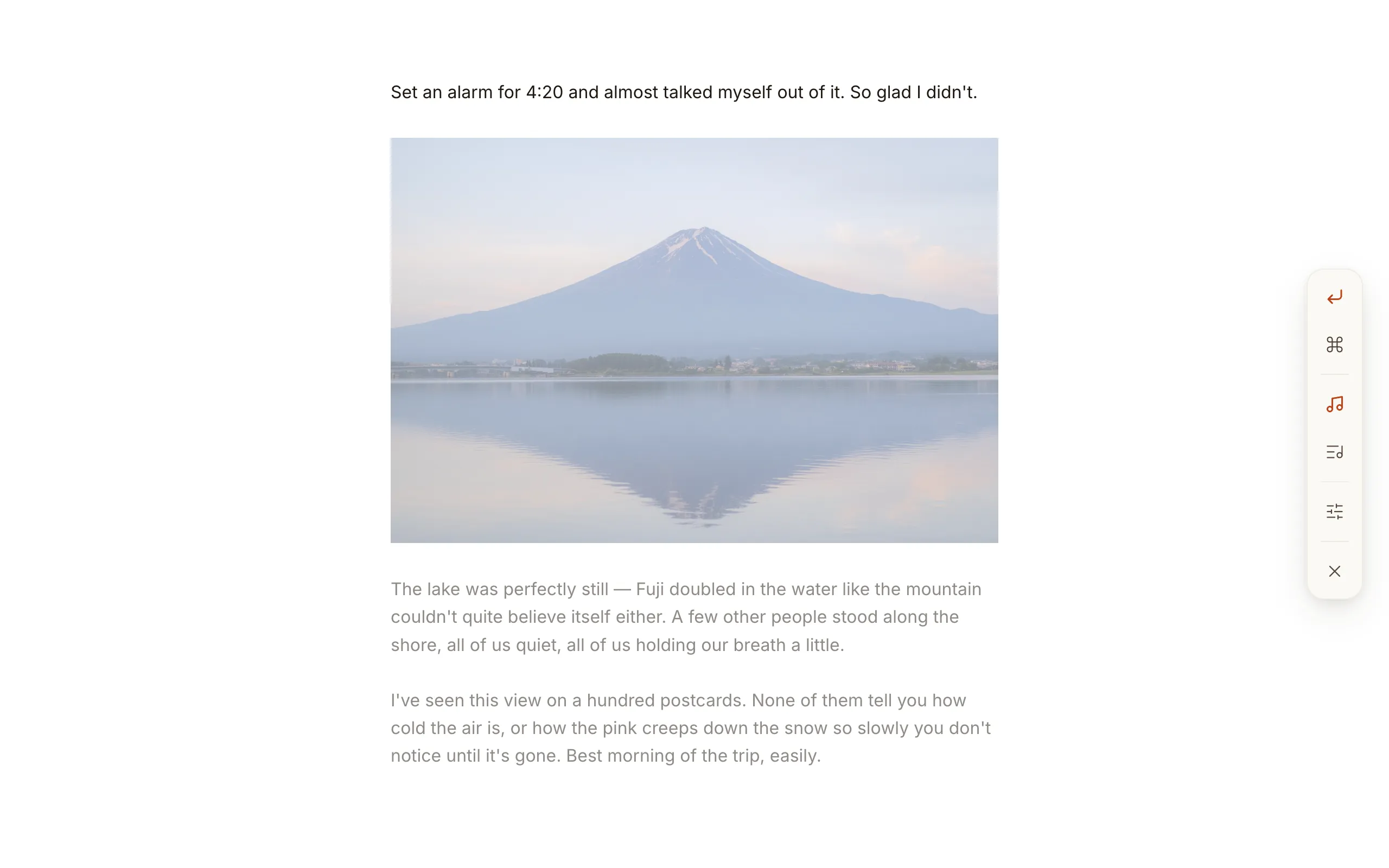
Section titled “Only what you’re writing”Writing mode hides the title and the date. The paragraph with your cursor stays lit, and the rest of the page fades to half, so your eye stays on the sentence in front of you.
Select some text and the whole selection stays lit, photos and videos inside it included. A video you click to play stays lit too.
Settling in with sound
Section titled “Settling in with sound”A side menu in writing mode lets you set the mood:
- Ambient soundscapes — soft background sound like rain, a forest, a café, or a fireplace.
- Keyboard sounds — a gentle typewriter-ish click as you write.
Both start off. They’re there for the cozy writing atmosphere, so switch them on when you want it and write in silence when you don’t. A change here reaches every open window at once.
Starting from a template
Section titled “Starting from a template”If a blank page is the hard part, templates give an entry a shape to fill in.
A comfortable place for long entries
Section titled “A comfortable place for long entries”When you write past the bottom of the screen, the line you’re on lifts toward the middle instead of clinging to the very bottom edge, so what you’re typing always stays in comfortable view.