
Your files, on your computer
Every entry is a file in a folder you pick. Open them with any app, or back them up the way you already back up everything else. They stay readable without Cozy.

Cozy keeps your journal on your own device, as plain files you can open with anything. Nothing is synced to a server, nothing is fed to AI.
For macOS, Windows, iPhone & iPad · One-time purchase, no subscription
Set an alarm for 4:20 and almost talked myself out of it. So glad I didn't.

The lake was perfectly still. Fuji doubled in the water like the mountain couldn't quite believe itself either. A few other people stood along the shore, all of us quiet, all of us holding our breath a little.
I've seen this view on a hundred postcards. None of them tell you how cold the air is, or how the pink creeps down the snow so slowly you don't notice until it's gone. Best morning of the trip, easily.
Rented a bike and got pleasantly lost in the back lanes below the mountain. Out past the guesthouses the town just turns into rice paddies, the young green shoots standing in their mirrors of water.
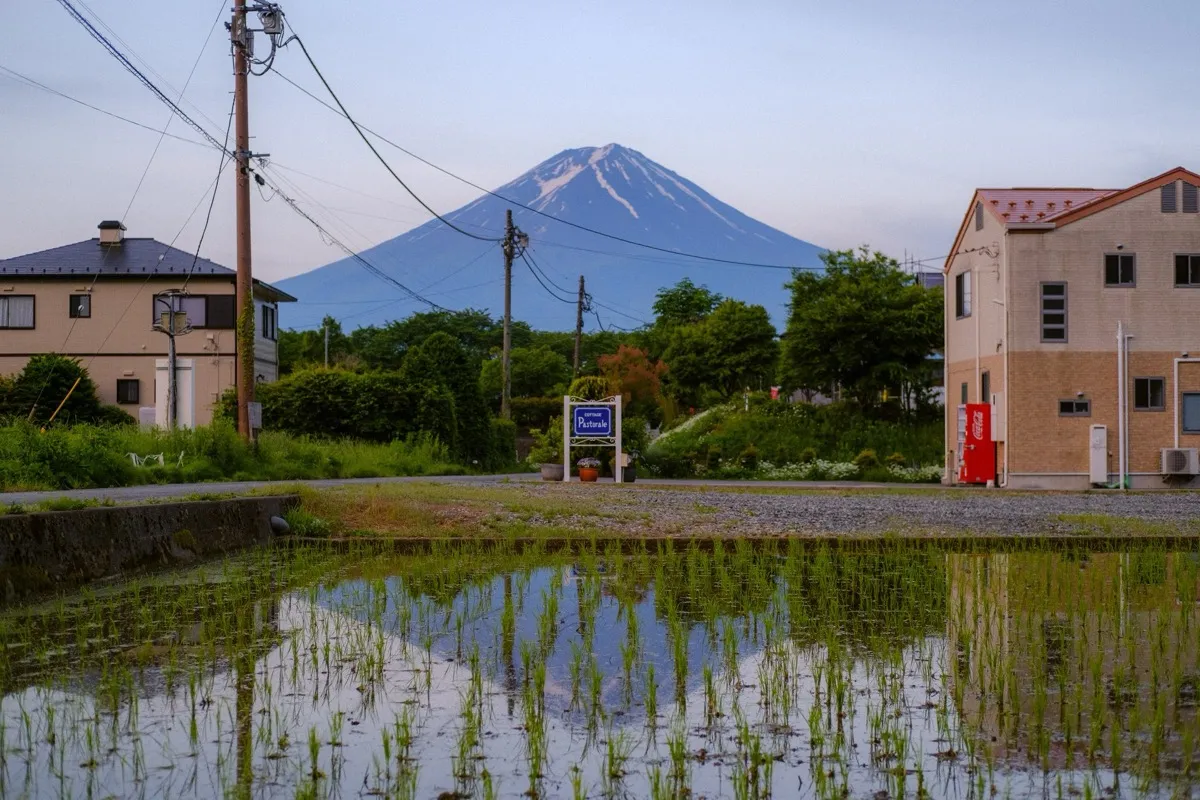
There was a hand-painted sign for a cottage, a red vending machine humming away, Fuji sitting behind all of it like it was the most ordinary thing in the world. I love these in-between places more than the famous ones. Nobody here, just the frogs and the powerlines and me.
Walked the river at dusk when the whole sky went lilac. The water turns the same color and you lose track of where one ends.
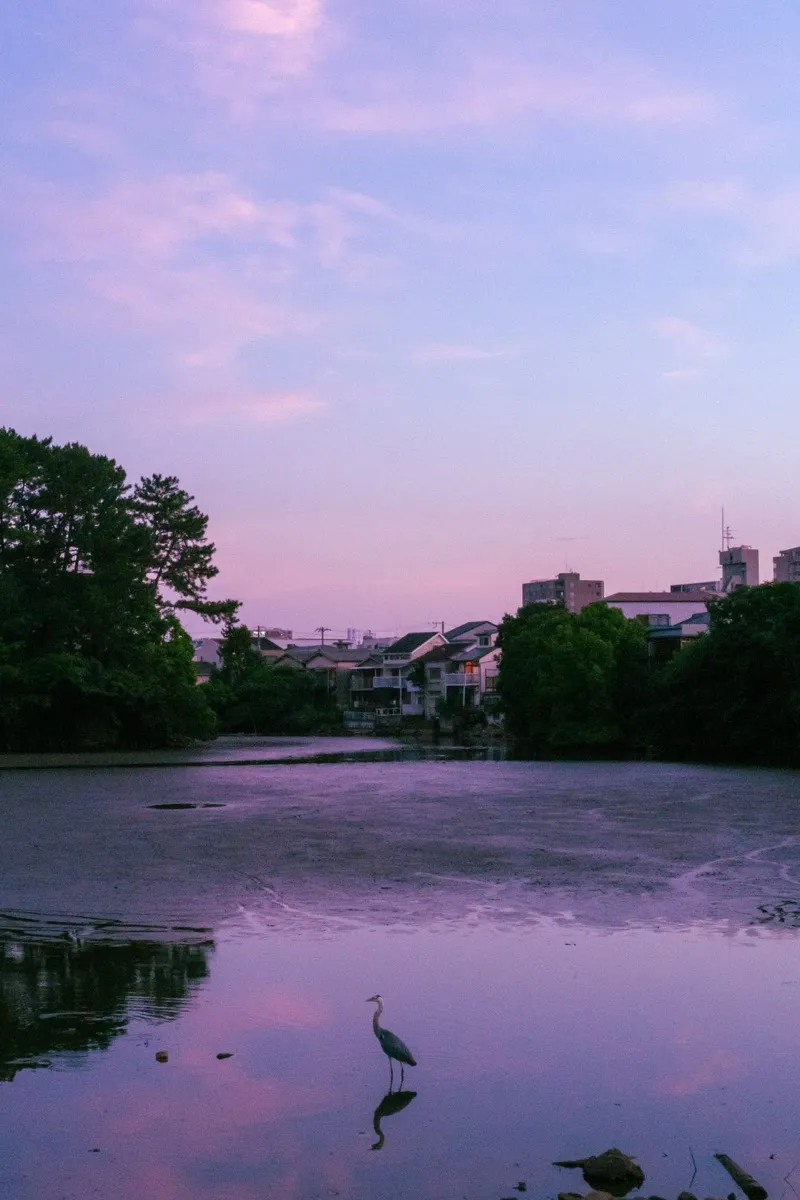
A grey heron stood dead still in the shallows, waiting on something only it could see. Couples sat spaced evenly along the bank the way they always are here, an unspoken arithmetic. Kyoto does evening better than anywhere I've been.
Spent the afternoon doing nothing in particular in the old streets, just watching the neighborhood go about itself.
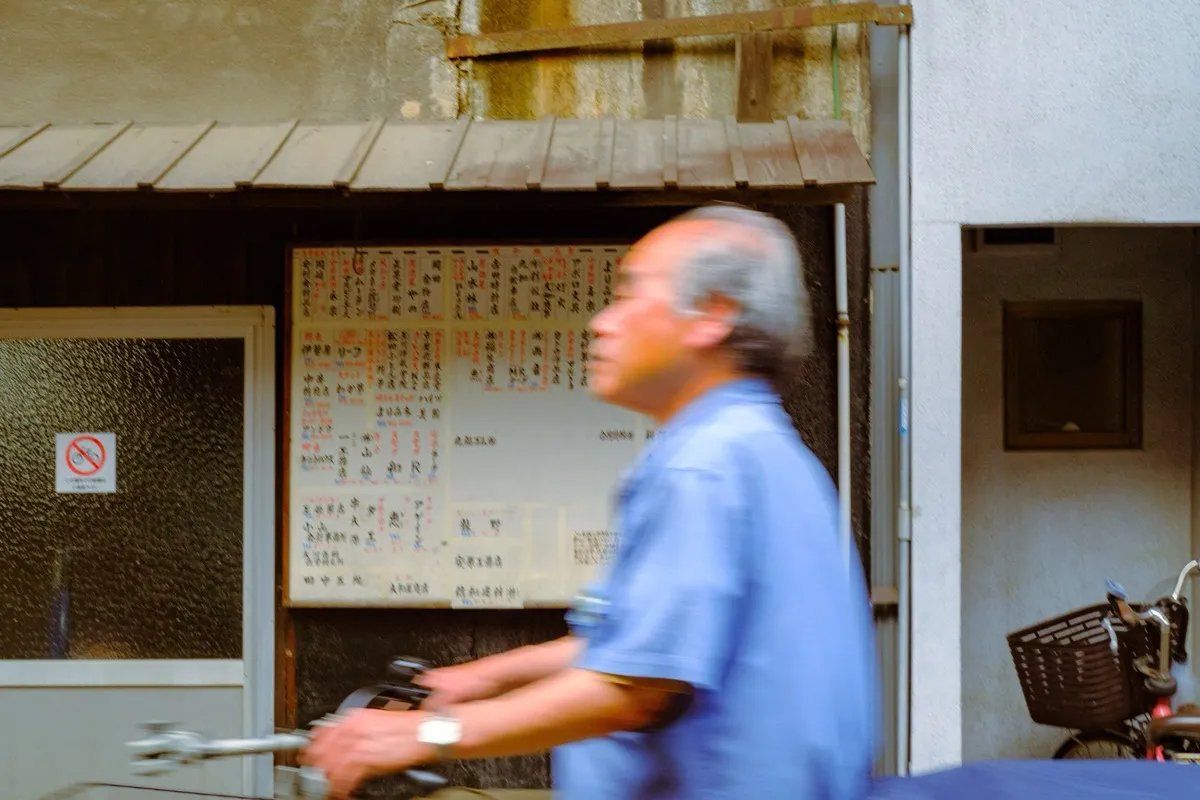
An older man swept past on a bicycle, fast enough to blur. The noticeboard of shop names behind him a wall of kanji I couldn't read. I like the days with no plan best, you stop chasing sights and start noticing people. He was gone before I could even nod.
It hit 30 degrees by noon and the city answered the only way it knows how: a cold drink every hundred meters, glowing in a machine.
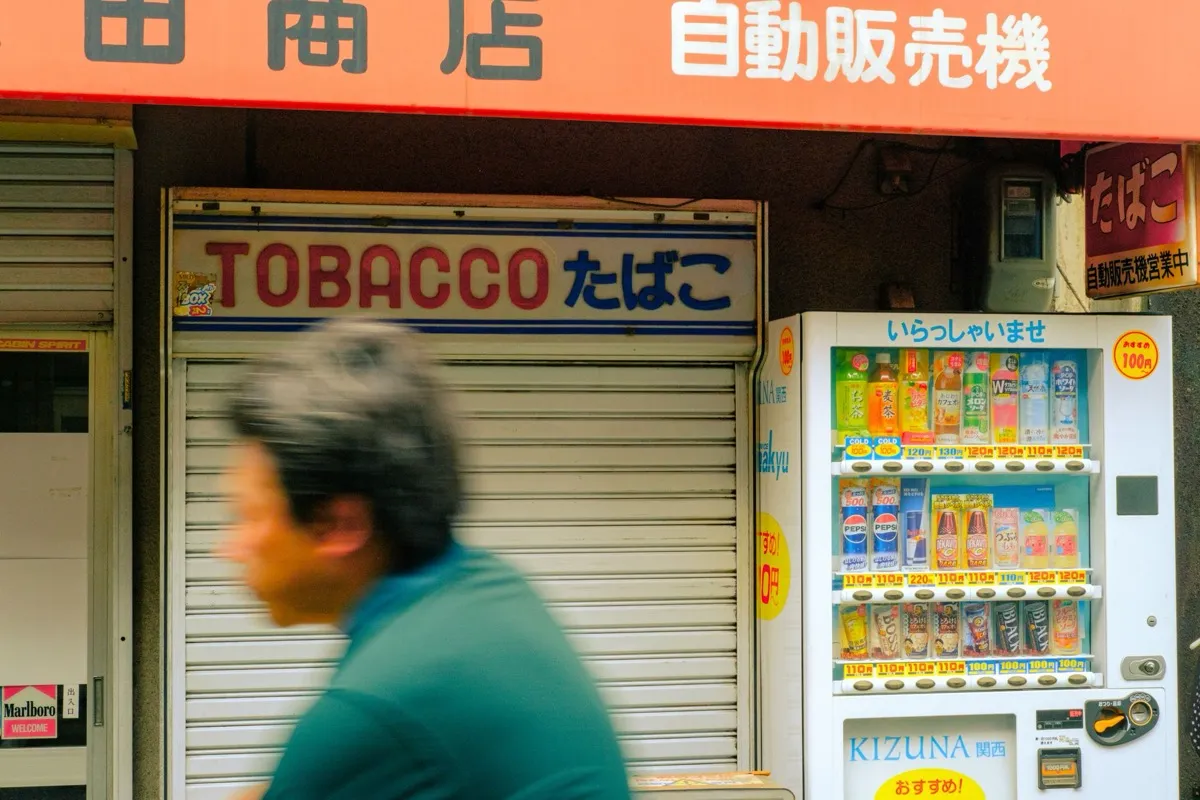
Stood in front of one outside a shuttered tobacco shop, agonizing over melon soda versus cold barley tea like it was a real decision. Someone walked past mid-sip. Got the barley tea. Correct call. Osaka in early summer is loud and bright and a little sticky and I'm completely charmed by it.
Caught this on the way back from lunch and it made my whole day.
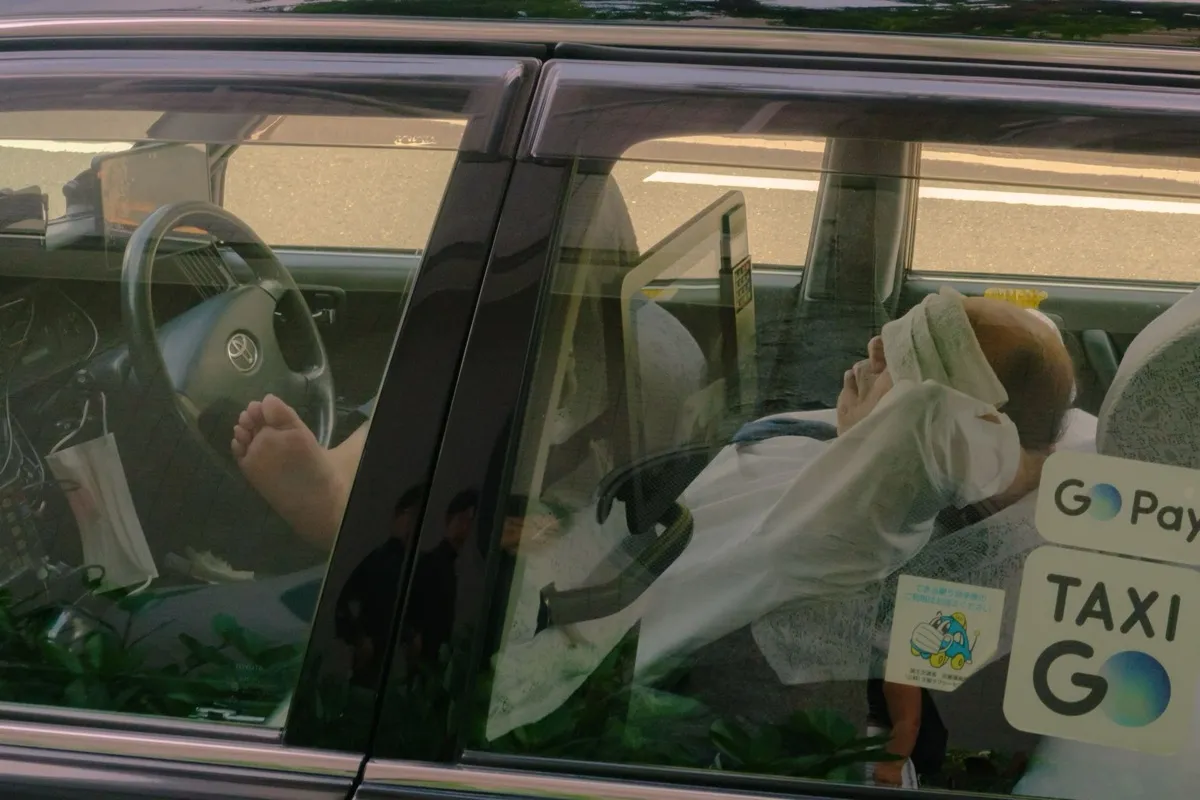
A taxi driver, fully reclined in the back seat, white towel laid over his eyes, gloves still on, having the most committed afternoon nap I have ever witnessed. The car immaculate, the little doily headrests, the GO sticker on the glass. Everyone here seems to have mastered the art of resting properly. I'm taking notes.
Dropped the bags, splashed water on my face, and went straight back out, too wired to sleep, too curious to waste the night.
The city is exactly as much as everyone says. Trains gliding in on the minute, a hundred tiny restaurants stacked up each staircase, the hum of it all somehow orderly. Ate standing ramen at a counter for six, pointed at a photo, got something perfect. Jet-lagged and grinning on a corner at midnight. Three weeks of this ahead.
Packed light, finally. One bag, good shoes, the little camera. Everything else I can buy or do without.
I've wanted this trip for years and somehow it's tomorrow. That funny pre-departure feeling, half nerves, half the kind of lightness you only get when the to-do list is suddenly behind you. Whatever the next few weeks are, I want to actually be in them. Writing it down so I remember to look up from the screen.
Followed my nose and a wall of neon into the market and just ate my way down the lane. Pepper buns straight from the clay oven, mango shaved ice the size of my head, a sausage-in-sausage thing I still don't fully understand and would order again immediately.
Scooters everywhere, steam everywhere, aunties running stalls they've clearly run for decades. Taipei is so easy to like. Sweaty, full, happy.
Rained all day so I gave in to it, ducked between cafes in the old hanok lanes, nursing one coffee at a time, watching the alleys shine.
Ended up in a tiny second-floor place with one perfect window seat, journaling while the city dripped. There's a particular comfort to being warm and dry and far from home, watching weather you have no obligation to fix. Galbi for dinner, fingers smelling of charcoal the whole walk back.
The heat here is a physical opponent. By ten in the morning I'd surrendered, found a plastic stool in the shade and let a bowl of boat noodles and an iced coffee put me back together.
Loud, chaotic, alive in a way that's hard to describe. Tuk-tuks, temple gold, a cat asleep on a motorbike seat. I'm worn out and a little overwhelmed and still wouldn't trade the day. Early night, ceiling fan on full.
First stop of the whole trip. Up early with the jet lag, which turned out to be a gift. The Old Quarter at six is a different city, all sweeping brooms and breakfast steam before the motorbikes take over.
Sat on a tiny stool with a bowl of phở and a glass of fierce iced coffee and watched the street wake up around me. This is the part of travel I love most: the first ordinary morning somewhere new, before you know anything, when it's all still in front of you.
Set an alarm for 4:20 and almost talked myself out of it. So glad I didn't.
The lake was perfectly still. Fuji doubled in the water like the mountain couldn't quite believe itself either. A few other people stood along the shore, all of us quiet, all of us holding our breath a little.
I've seen this view on a hundred postcards. None of them tell you how cold the air is, or how the pink creeps down the snow so slowly you don't notice until it's gone. Best morning of the trip, easily.
Rented a bike and got pleasantly lost in the back lanes below the mountain. Out past the guesthouses the town just turns into rice paddies, the young green shoots standing in their mirrors of water.
There was a hand-painted sign for a cottage, a red vending machine humming away, Fuji sitting behind all of it like it was the most ordinary thing in the world. I love these in-between places more than the famous ones. Nobody here, just the frogs and the powerlines and me.
Walked the river at dusk when the whole sky went lilac. The water turns the same color and you lose track of where one ends.
A grey heron stood dead still in the shallows, waiting on something only it could see. Couples sat spaced evenly along the bank the way they always are here, an unspoken arithmetic. Kyoto does evening better than anywhere I've been.
Spent the afternoon doing nothing in particular in the old streets, just watching the neighborhood go about itself.
An older man swept past on a bicycle, fast enough to blur. The noticeboard of shop names behind him a wall of kanji I couldn't read. I like the days with no plan best, you stop chasing sights and start noticing people. He was gone before I could even nod.
It hit 30 degrees by noon and the city answered the only way it knows how: a cold drink every hundred meters, glowing in a machine.
Stood in front of one outside a shuttered tobacco shop, agonizing over melon soda versus cold barley tea like it was a real decision. Someone walked past mid-sip. Got the barley tea. Correct call. Osaka in early summer is loud and bright and a little sticky and I'm completely charmed by it.
Caught this on the way back from lunch and it made my whole day.
A taxi driver, fully reclined in the back seat, white towel laid over his eyes, gloves still on, having the most committed afternoon nap I have ever witnessed. The car immaculate, the little doily headrests, the GO sticker on the glass. Everyone here seems to have mastered the art of resting properly. I'm taking notes.
Dropped the bags, splashed water on my face, and went straight back out, too wired to sleep, too curious to waste the night.
The city is exactly as much as everyone says. Trains gliding in on the minute, a hundred tiny restaurants stacked up each staircase, the hum of it all somehow orderly. Ate standing ramen at a counter for six, pointed at a photo, got something perfect. Jet-lagged and grinning on a corner at midnight. Three weeks of this ahead.
Packed light, finally. One bag, good shoes, the little camera. Everything else I can buy or do without.
I've wanted this trip for years and somehow it's tomorrow. That funny pre-departure feeling, half nerves, half the kind of lightness you only get when the to-do list is suddenly behind you. Whatever the next few weeks are, I want to actually be in them. Writing it down so I remember to look up from the screen.
Followed my nose and a wall of neon into the market and just ate my way down the lane. Pepper buns straight from the clay oven, mango shaved ice the size of my head, a sausage-in-sausage thing I still don't fully understand and would order again immediately.
Scooters everywhere, steam everywhere, aunties running stalls they've clearly run for decades. Taipei is so easy to like. Sweaty, full, happy.
Rained all day so I gave in to it, ducked between cafes in the old hanok lanes, nursing one coffee at a time, watching the alleys shine.
Ended up in a tiny second-floor place with one perfect window seat, journaling while the city dripped. There's a particular comfort to being warm and dry and far from home, watching weather you have no obligation to fix. Galbi for dinner, fingers smelling of charcoal the whole walk back.
The heat here is a physical opponent. By ten in the morning I'd surrendered, found a plastic stool in the shade and let a bowl of boat noodles and an iced coffee put me back together.
Loud, chaotic, alive in a way that's hard to describe. Tuk-tuks, temple gold, a cat asleep on a motorbike seat. I'm worn out and a little overwhelmed and still wouldn't trade the day. Early night, ceiling fan on full.
First stop of the whole trip. Up early with the jet lag, which turned out to be a gift. The Old Quarter at six is a different city, all sweeping brooms and breakfast steam before the motorbikes take over.
Sat on a tiny stool with a bowl of phở and a glass of fierce iced coffee and watched the street wake up around me. This is the part of travel I love most: the first ordinary morning somewhere new, before you know anything, when it's all still in front of you.
iPhone & iPad · in open beta
Small touches that make you want to come back to it.
Every entry is a file in a folder you pick. Open them with any app, or back them up the way you already back up everything else. They stay readable without Cozy.
You can add a photo or several, an audio file, or a video, whether it lives on your computer or comes from YouTube. Drop in whatever made your day so you can find it again later.
Tag your entries, mark where you were, or build your own trackers for any habit or thing you want to follow. Cozy bends to the way you like to journal.
Slip into a full-screen writing mode with soft sound in the background: rain, a forest, a café. Little touches that help you settle in and keep going.
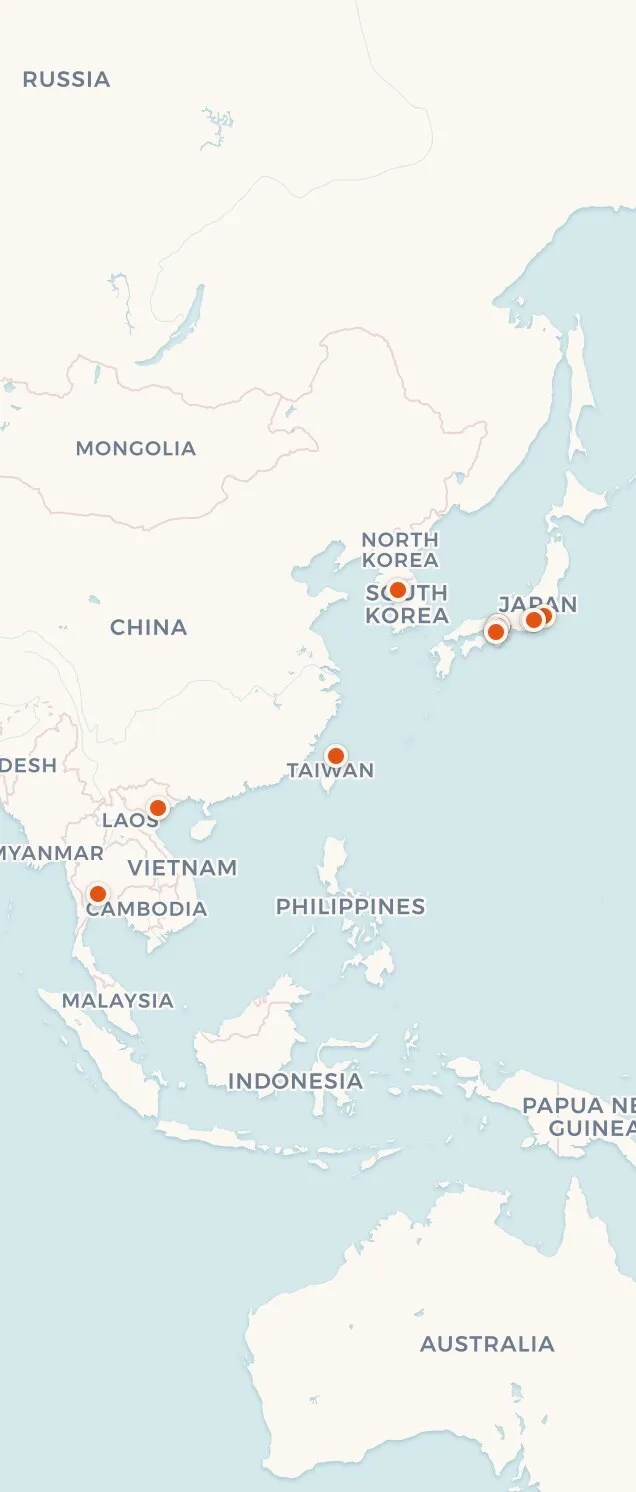
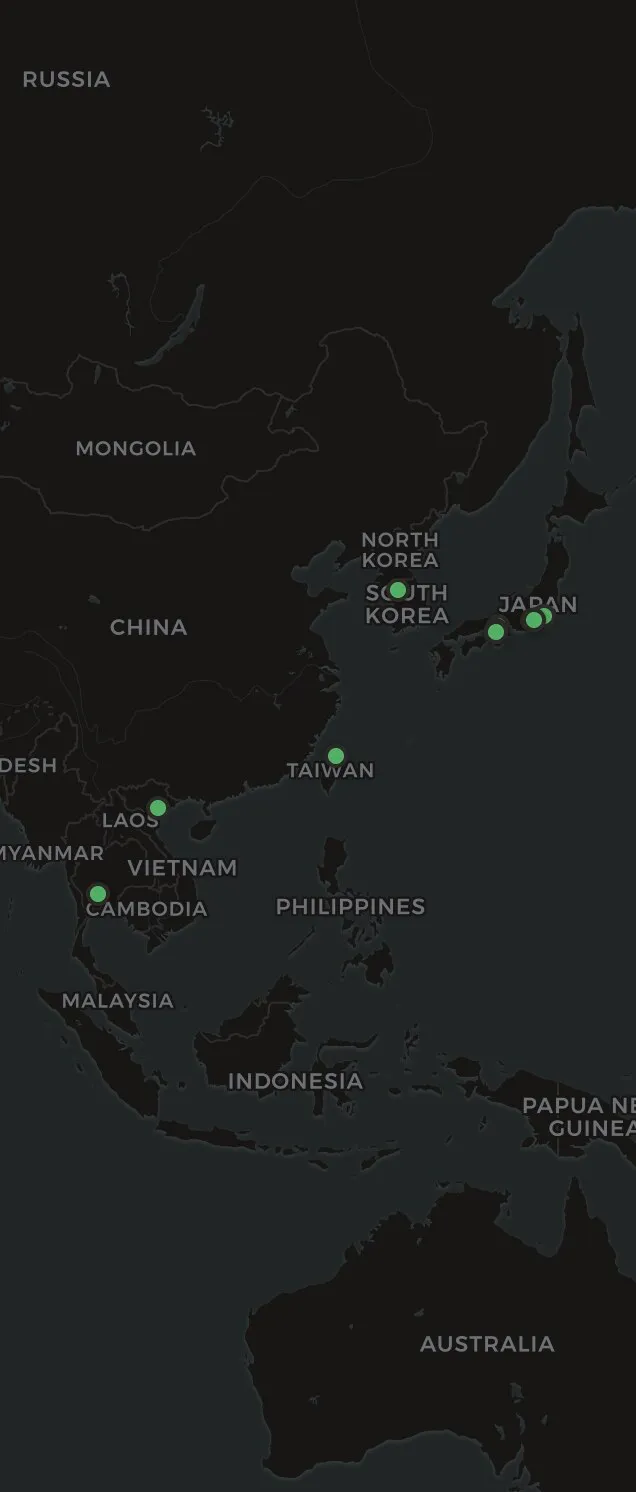
See your entries laid out on a calendar, or pinned to the places you wrote them. However you remember, Cozy helps you find your way back.
Your journal speaks whatever language you do. Write in Japanese, Arabic, or Spanish, mix a few in one entry, and the languages that read right to left flow that way on their own.
Moving from another app shouldn't mean starting over. Cozy brings your old entries in from Notion, Day One, Obsidian, and Bear, so you keep your whole history instead of a blank page.
I built Cozy because I wanted a private place to write, not another app offering to do something clever with what I put into it.
There's no chat window, no summary of your year, no assistant offering to look through what you wrote. Nothing you write in Cozy is scraped, read, or sent off to a model, mine or anybody else's. There's nowhere for it to go.
There's no mystery cloud. Your journal lives right where you write it, on your own device. No server to breach, no account to lock you out, no stranger who can open your diary.
After using Day One for 15 years, I've made the jump to another journaling app… The never ending push to upgrade, AI inclusion and lack of quality updates is just too much. I've moved to Cozy and I'm really enjoying it. Cozy is lightweight, actively being worked on… I had some issues with the import feature and the developer was very responsive, even releasing a fix that same day.
 u/akalanaya
 I was a Day One user, but woke up one morning to them encouraging me to use AI to “interrogate” my journal. Nope. That sent me looking for an alternative. I really like Cozy so far! It's clean, it's easy to use, my Day One entries zipped right into it. Thank you!
I'm loving Cozy so far and can't wait to try out the iPhone app as well when it's ready. Everything is working really well and it is a great writing experience in the app, very enjoyable to use.
I've been using it for a week and I do not regret the purchase at all! :) Very solid, intuitive and aesthetic. I synced with two of my computers to be able to access it from bed, which is where I like to do my digital journaling, and works like a charm. I hope your app continues to grow!
u/sorabood One payment, and it's yours. No account, no subscription, no server. Your journal is a folder of your own files, on your own computer.
macOS & Windows
$35 one-time
Less than two years of Day One.
On your phone? Buy now and install on your computer later.
In open beta
Free to join
$19.99 once it's on the App Store.
Android comes after, join the newsletter and I'll say when it lands.
Prices in USD. VAT may apply. Secure payment via Stripe.
Cozy is a one-time $35 purchase, no subscription. One license covers every Mac and Windows you own, and Cozy for iPhone and iPad comes with it. The iPhone and iPad app is in open beta and free to join while it lasts; on its own it will be $19.99 once it reaches the App Store.
Yes. I want Cozy to be affordable wherever you are. Students and educators get 40% off, verify your school email and the code comes straight back to it. If the price is steep for your country, email me and say where you are, and I'll send the right one.
Every license includes one year of updates, fixes and new features alike. After that year Cozy keeps working forever, exactly as it is, and if you want another year you can renew for half the original price. A $35 license renews at $17. Renewing is optional and nothing stops working if you skip it. If you bought Cozy before this changed, your license was upgraded to a lifetime one automatically.
Yes. Recover your key, enter the email you bought with, and I'll send it back. That email also has a sign-in link where you can see every key you own and free up a computer you've stopped using.
Whichever word you use. Some people keep a journal, some people keep a diary, and Cozy is built for the same habit either way: a dated entry, a calendar to look back through, and a folder of plain files that stays yours. There are longer versions for Mac and Windows.
Into a regular folder on your computer, as simple files you can open with any app. Each entry saves the date, mood, location, and tags alongside your writing. Photos sit right next to your entries in the same folder.
Yes. Cozy runs on iPhone and iPad, built as its own app rather than a shrunken desktop one, writing at a desk and writing on a phone are different, and each deserves its own design. It's in open beta on TestFlight right now, free to join, and will be $19.99 on its own once it reaches the App Store. If you already own Cozy for Mac or Windows, your license covers it: enter your key once and it unlocks, no second purchase. Android comes after. Both read the same journal folder. On iPhone and iPad it has to live in iCloud, which is the one service iOS lets an app sync through, but on Mac and Windows you can use Dropbox or Google Drive instead.
Cozy doesn't handle sync, but your journal is just a folder. Between computers, sync it with iCloud, Dropbox, or any similar service and you're done. If you also use Cozy on iPhone or iPad, keep the journal in iCloud. It's the only service iOS lets an app read a folder from.
No, and I don't plan to add it. Your entries are regular files on your computer. If you ever want to use an AI tool with them, you can, on your own terms. Read more about why.
Pay once, and Cozy covers every Mac, Windows, iPhone and iPad you own. Simple as that.
$35 one-time, no subscription
On your phone? Buy now and install on your computer later.
14-day money-back guarantee


